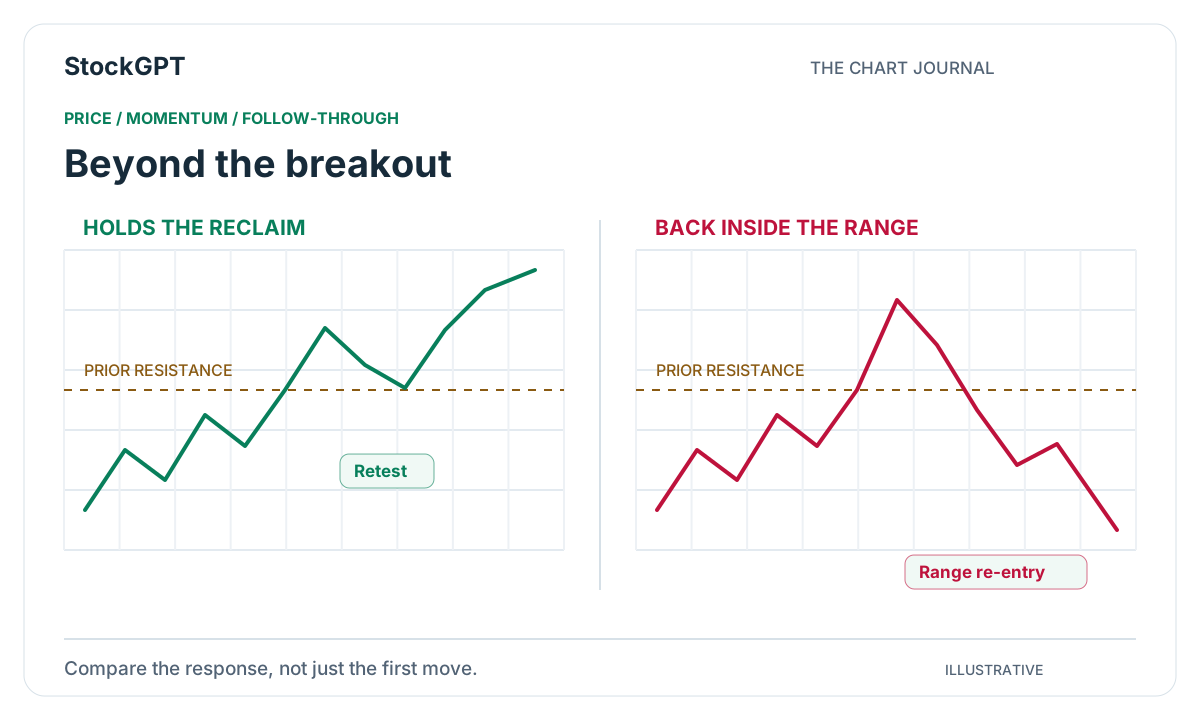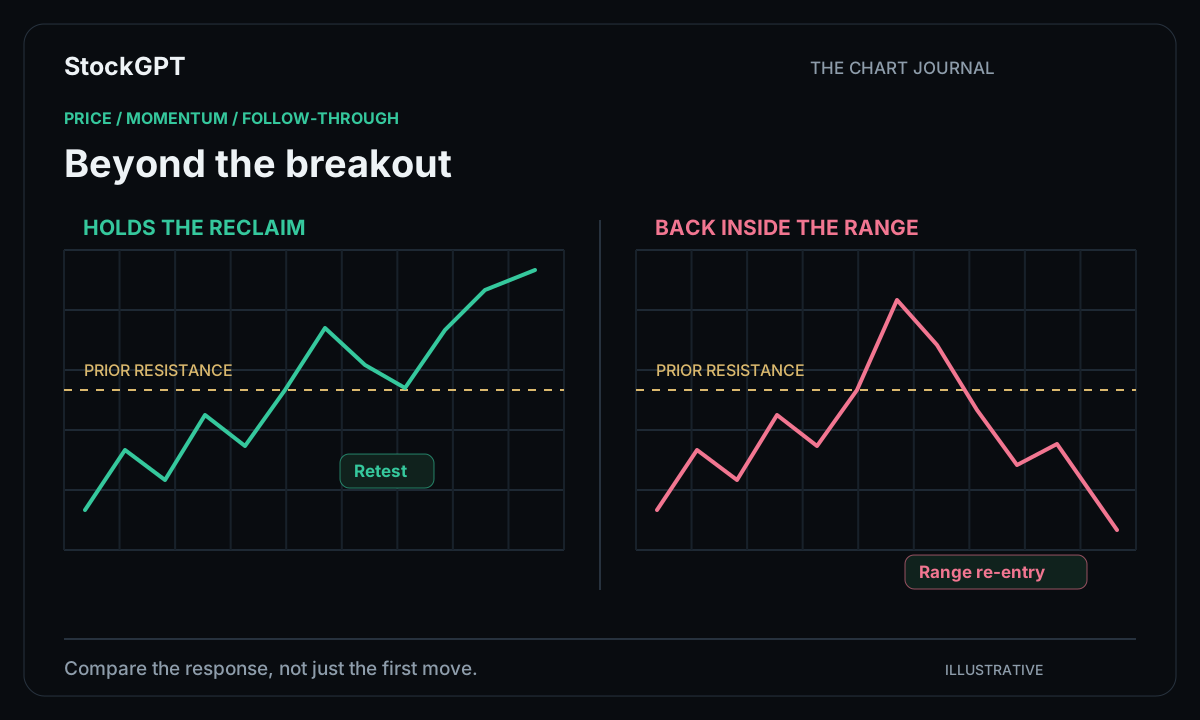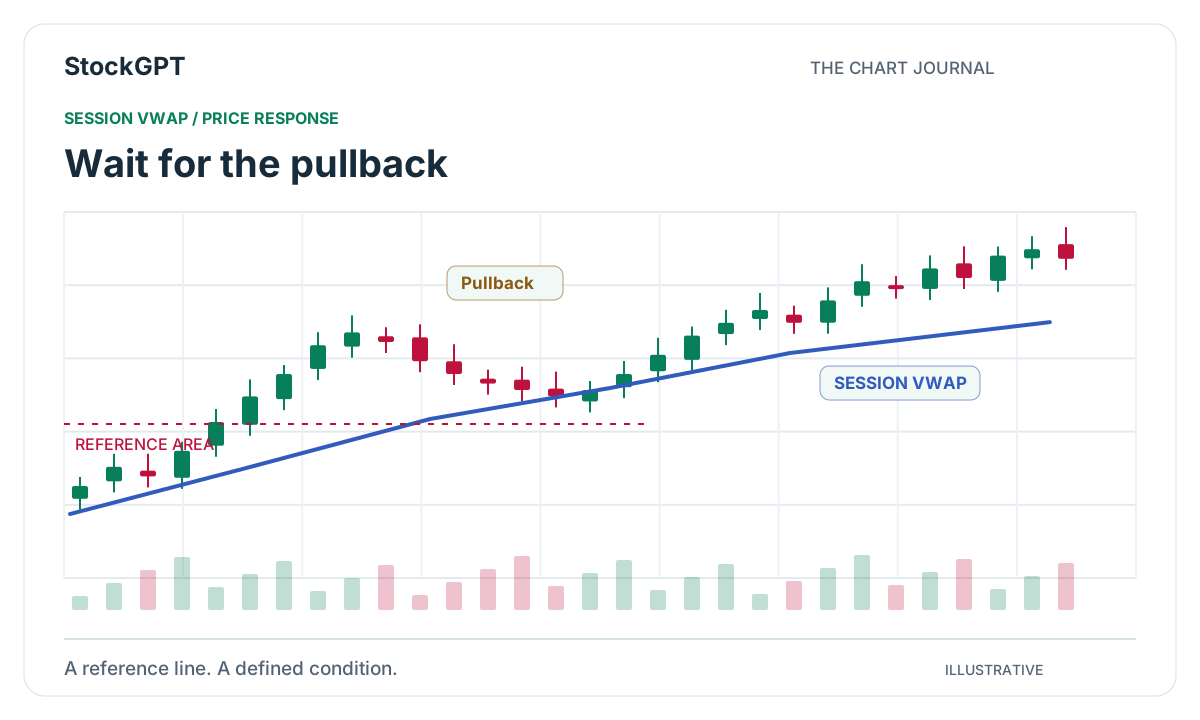
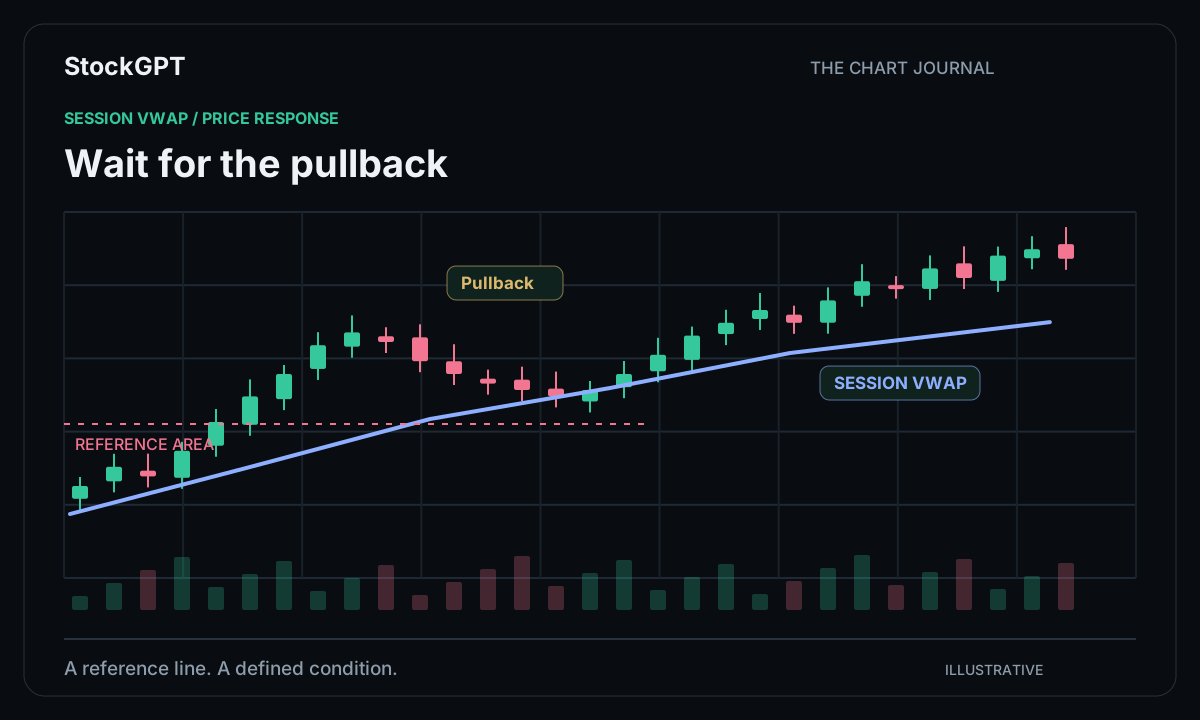
A market makes a strong move, pauses, and begins to return toward an area you have been watching. That pause can be the most interesting part of the session. Pullback analysis gives you a way to study how a trend develops between its larger moves. VWAP is a familiar reference for this process, while StockGPT’s indicator suite adds complementary perspectives on direction and activity.
Understand the reference on your chart
VWAP stands for Volume Weighted Average Price. It combines price and trading volume over a selected period, giving more weight to prices associated with greater activity. Session VWAP begins accumulating from the selected session’s starting point.
When studying examples, keep the anchor, data source, and session definition consistent. This simple habit makes your observations easier to compare. VWAP is the general trading concept explored in this guide; StockGPT contributes its trend, momentum, and volume tools to the broader analysis workflow.
Let the trend define your starting point
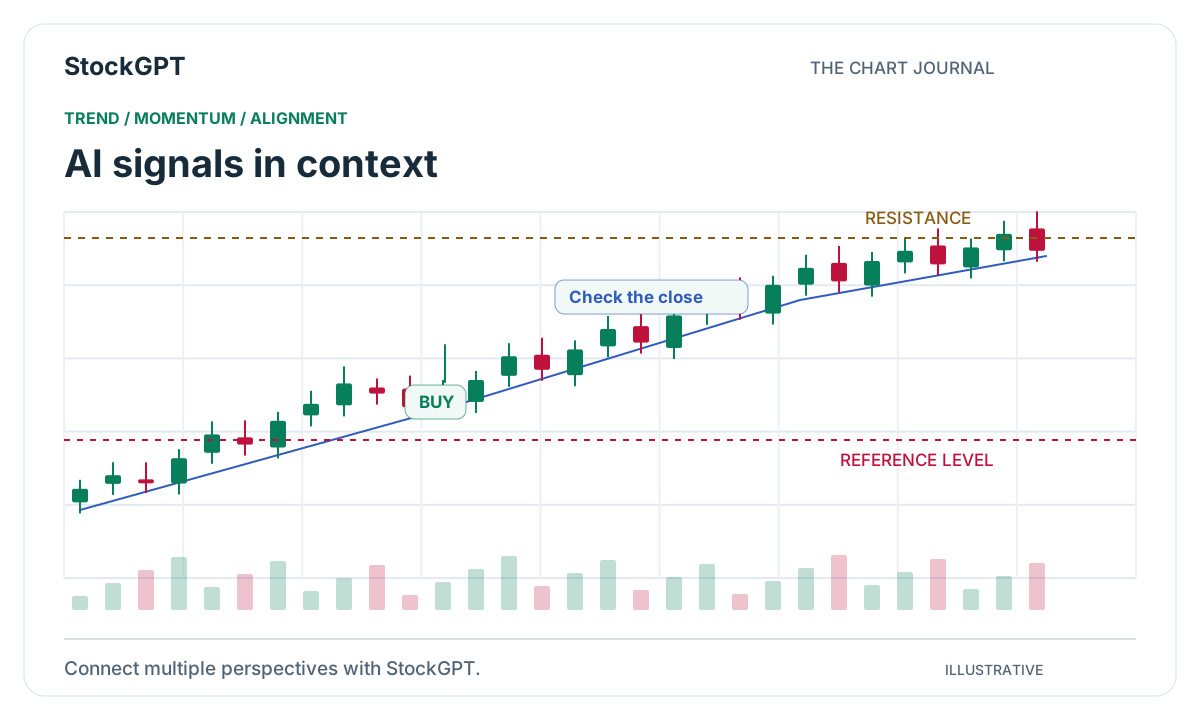
Begin by identifying the session’s direction. Look at the sequence of highs and lows and how price behaves around the reference area. In an advancing session, a return toward a rising reference can give you a clear area to study.
Consider an illustrative stock moving from $80 to $82 before pausing around $81.20. Your review can focus on how that pause develops: the shape of the candles, the response near the level, and the next directional move. This turns a broad idea into a specific chart sequence.
Explore both long and short perspectives
Pullback analysis can be applied to either direction. An advancing market may retrace toward a reference area; a declining market may rally toward one. In both cases, the interesting detail is the response as price reaches the area you selected.
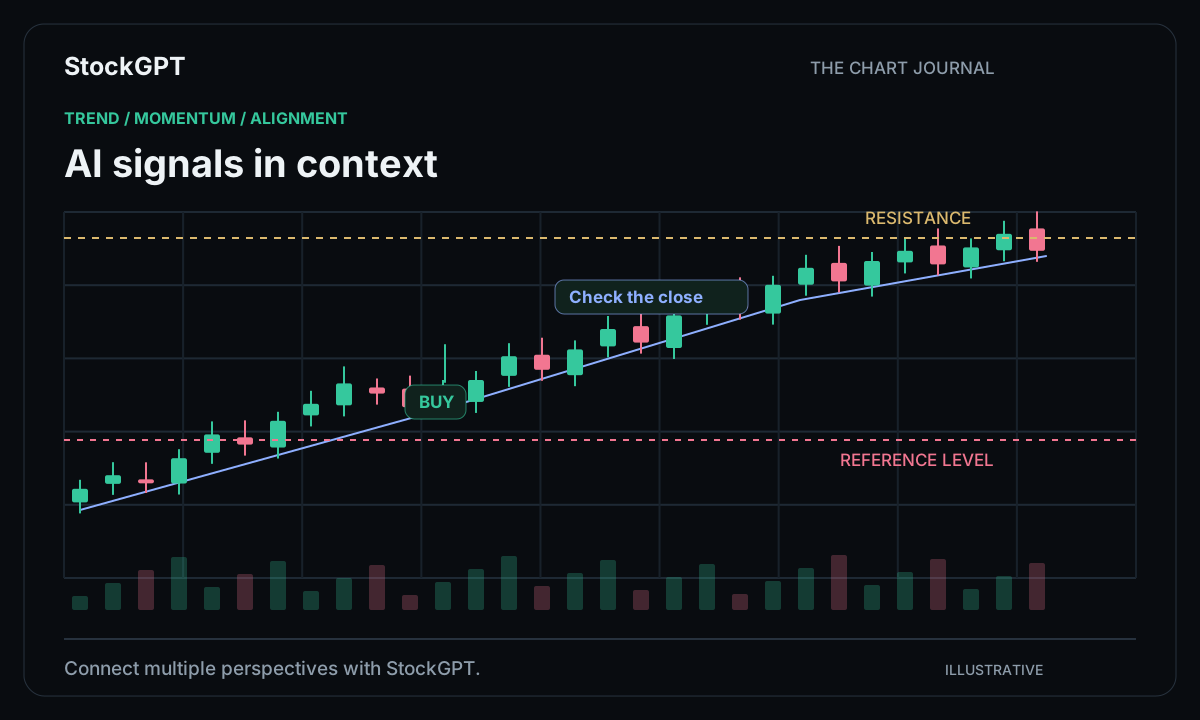
StockGPT’s trend views can help organize that directional context. Keeping the symbol and timeframe fixed while comparing tools lets you study the same moment from several perspectives. You can then describe the setup in a few sentences rather than relying on a collection of unrelated screenshots.
Give momentum and activity a role
After establishing direction, explore whether the pace of the move is changing. Momentum views can help you examine the transition between an impulse, a pause, and a renewed move. Volume views add another dimension by showing how activity develops around those phases.
A useful workspace has a clear role for every tool. Start with direction, add one momentum perspective, and use a volume view when activity is part of your question. That structure makes it easier to explain what you saw and why a particular moment deserved a closer look.
Build your personal library of setups
Choose a recurring session window and collect examples using consistent chart settings. Save the relevant level, the price response, and the indicator readings. Over time, that collection becomes a practical reference for the kinds of setups you like to study.
StockGPT keeps the core analysis tools together, while Gold’s Paper Trading gives you another way to practice the sequence. The value of a routine is that it becomes easier to follow: open the workspace, review the context, and focus on the chart behavior you came to examine.
- Use a consistent session and reference.
- Identify the directional structure.
- Study the response around the pullback area.
- Compare complementary indicator readings.
- Save the example for your next review.
Reader questions
What does VWAP help me understand?
VWAP shows a volume-weighted price reference over a chosen period. It helps frame where current price sits relative to the activity included in that calculation.
How does StockGPT fit into an intraday workflow?
StockGPT brings chart analysis, AI-powered indicators, BUY/SELL signals, and Market Sentiment into one workspace. You can use those views to explore the direction and activity surrounding your intraday setup.
Bring your analysis together.
Explore StockGPT’s AI-powered indicators, combined BUY/SELL signals, and Market Sentiment in one workspace.